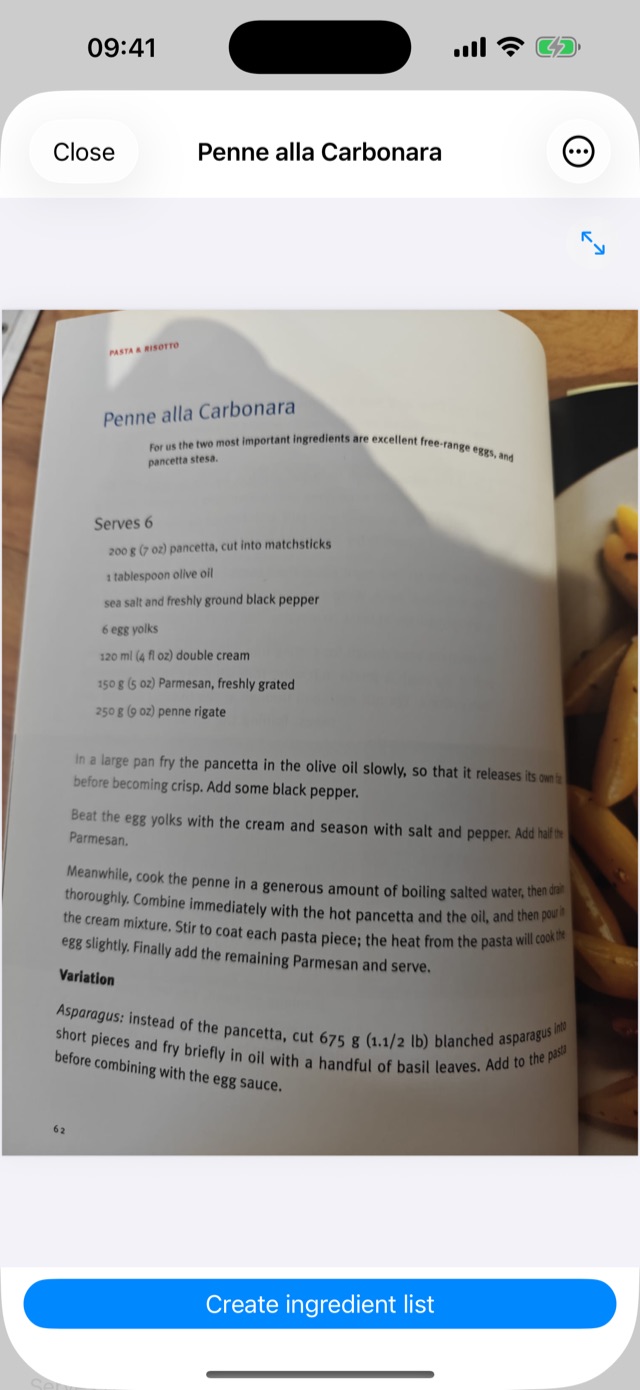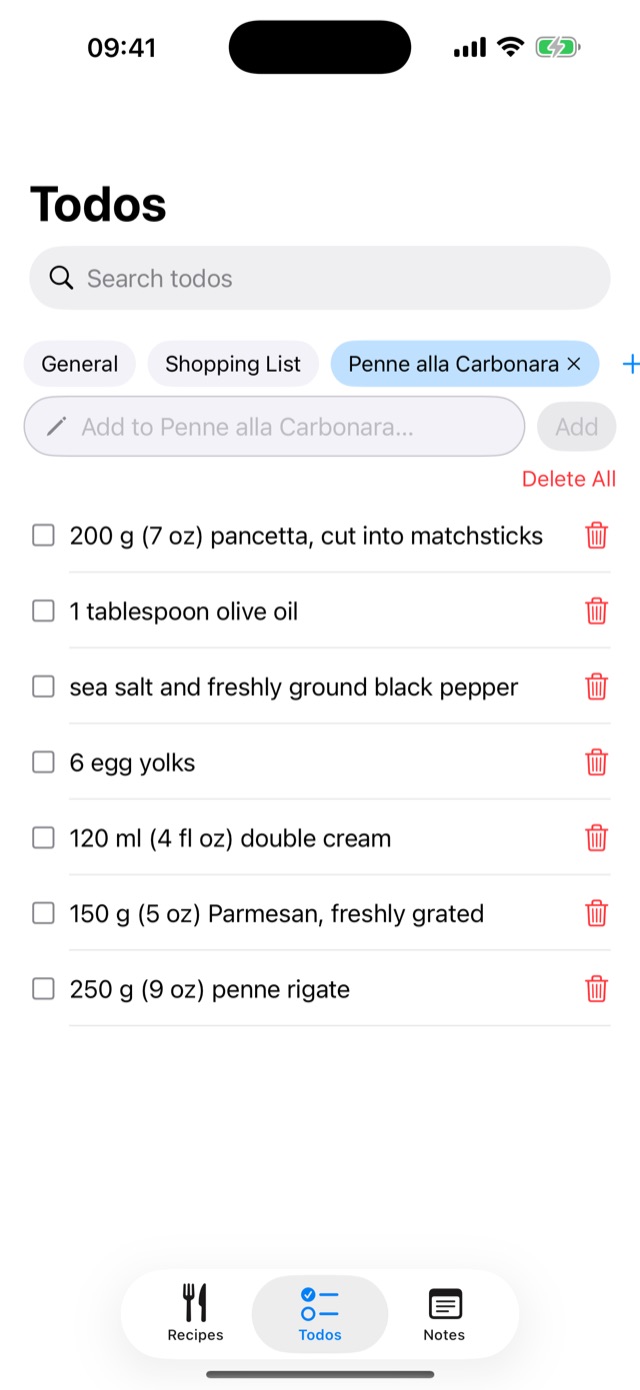
The kitchen notebook that writes your shopping list.
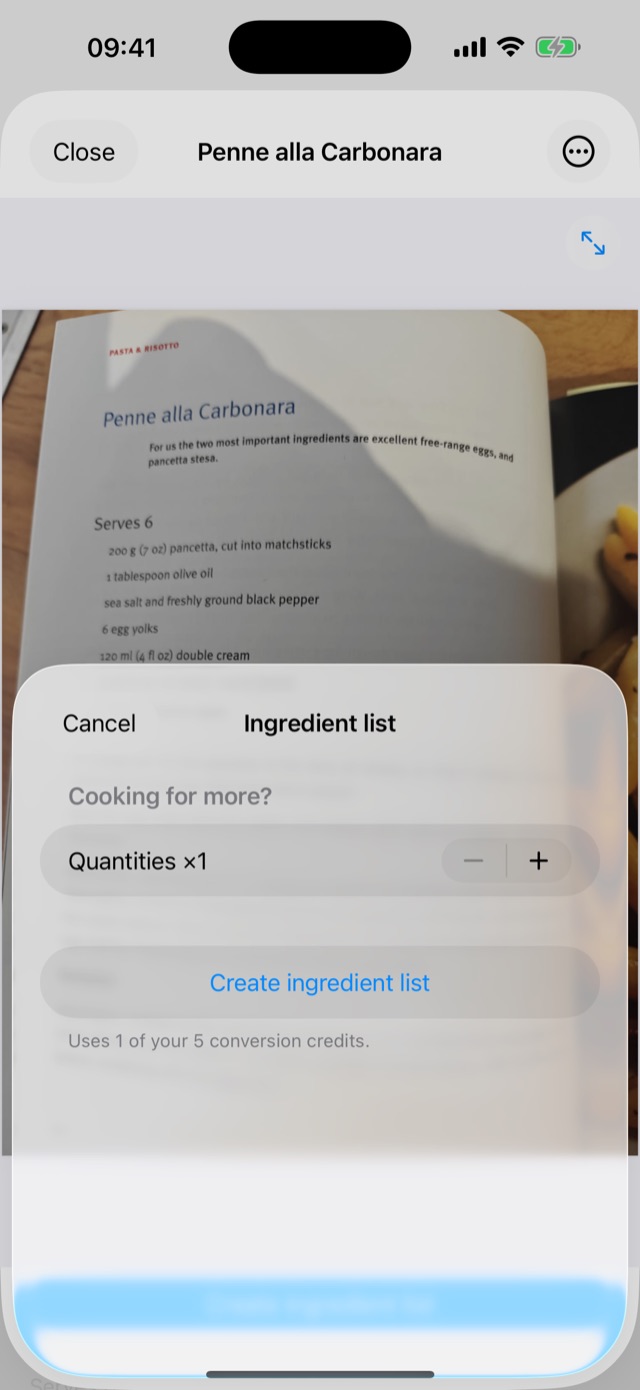
HobPad keeps recipes, notes and todo lists in one place. Photograph a recipe and HobPad files it for you. When you are ready to cook, one tap turns your recipe into an ingredient shopping list.
Coming soon to the App StoreComing soon to Google Play
Pricing
Notes, todo lists, recipe storage and recipe photography are free, without limits. HobPad names each new recipe automatically unless you type a name, up to 30 recipes per day. Past that you simply type the name yourself, and there is no daily limit while you have purchased credits. Reading a recipe page uses one credit the first time: HobPad names the recipe, puts its ingredients on a shopping list and copies the recipe into its notes. HobPad remembers what it read, so making the shopping list again, at any quantity, is free. Every new install includes five free credits, and further credits are sold in packs inside the app. Credits never expire.